Quizzes
Quiz slides check what viewers learned. They play after the walkthrough, or form a quiz-only demo. In training courses, quiz scores decide whether a learner passes a lesson.
Add quiz slides
Add slide → Add quiz slide lets you write a question yourself or Generate automatically a set of questions from the demo's slides. Generation works from the step titles and descriptions, and reads the screenshot of slides that have no description, so finish the content slides first. Review every generated question for correctness and wording. Generate from slides in the Question panel adds one more AI-written question. A demo holds up to 20 quiz slides.
Answer types
- Single choice — one correct answer. Quick to answer and to grade.
- Multiple choice — viewers must select exactly the correct choices; there is no partial credit, so say in the question that several answers apply.
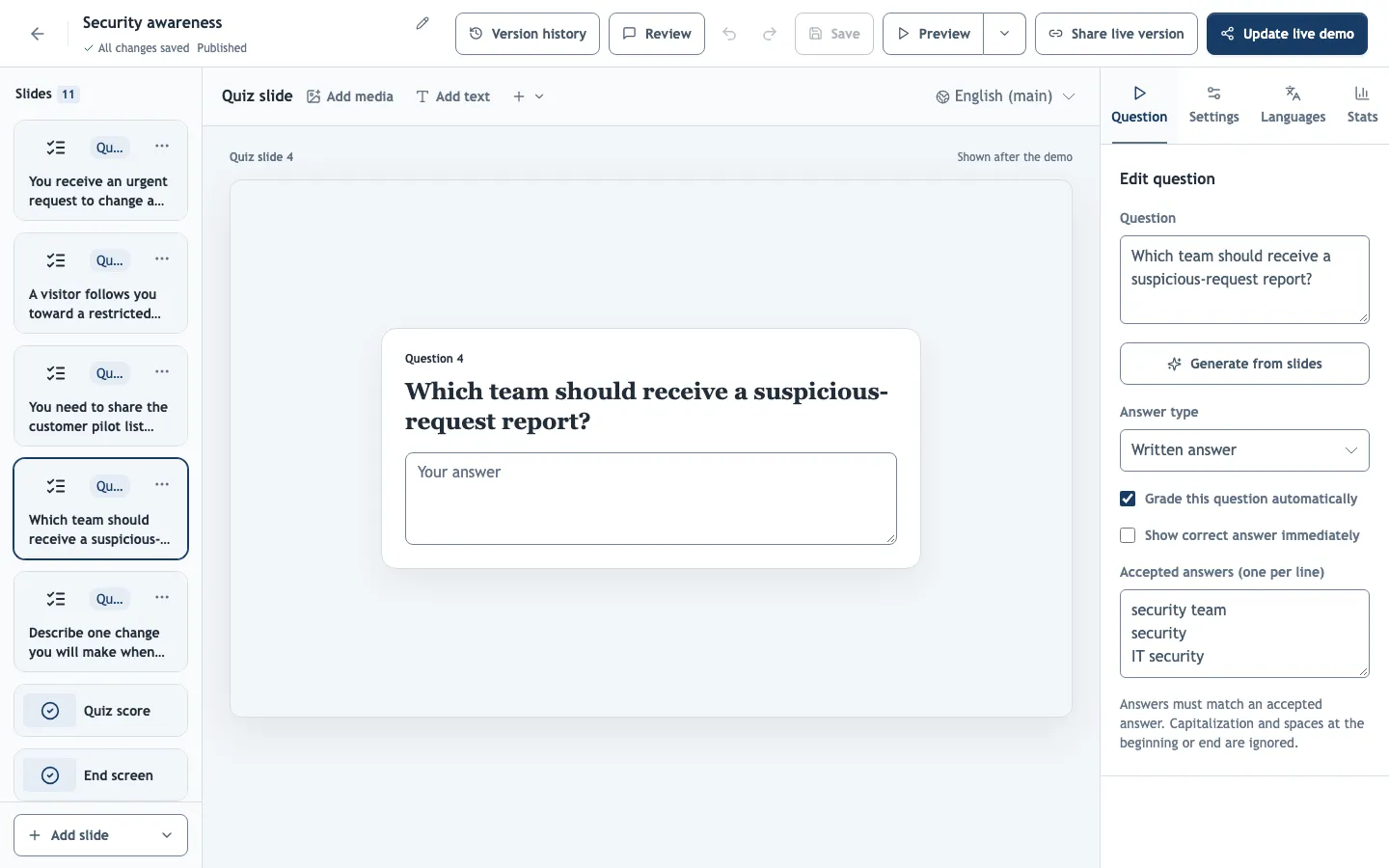
- Written answer — free text, for answers that cannot be guessed from a list. Automatic grading accepts only exact matches of your Accepted answers (one per line), ignoring capitalization and leading or trailing spaces, so any other wording counts as wrong. For open questions, turn automatic grading off and grade manually.
Grading
- Grade this question automatically scores the answer as soon as it is submitted. Questions without it wait for an editor, administrator or owner to grade them, with optional feedback.
- Show correct answer immediately reveals after Check answer whether the viewer was right. It helps learning, but in a training course it also lets learners retry with the answer in mind.
Score slide and contact details
Under Settings → Quiz, voice & export → Quiz settings:
- Add score slide at the end shows viewers their score. Only automatically graded questions count.
- Add name/email field at the end asks for optional contact details with the answers.
Results
Answers are saved when viewers select Submit results. A demo with a quiz only counts as completed in analytics once the quiz is submitted. Review answers in Analytics → Quizzes, or in a course's Results for signed-in learners.
A quiz checks answers to the questions you set. It does not certify practical competence or replace required training. Use a training course to link results to named learners.