Analytics
Analytics in the sidebar covers all demos of the organization; View analytics on a demo, or the editor's Stats tab, shows one demo. The page address includes the selected tab and date range, so you can bookmark a report or send it to a colleague.
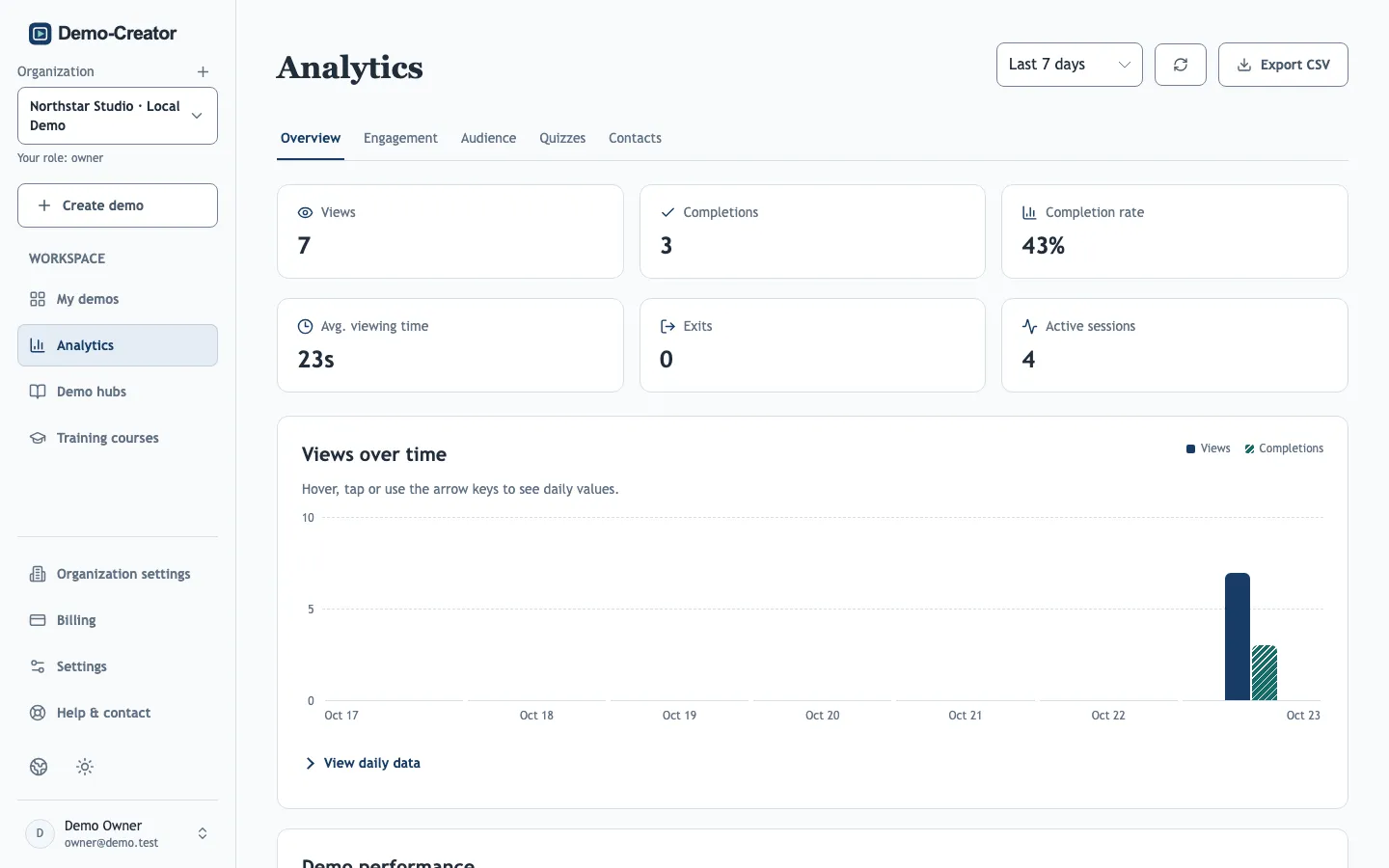
How views and completions are counted
- A view is counted when a viewer starts the demo, not when the page loads. Viewers who leave on the start screen, or stop at a required contact form, count no view.
- A completion is counted when a viewer finishes the last step. If the demo has a quiz, it is counted only after the quiz is submitted.
- An exit is a session that did not complete and has been inactive for 30 minutes. Sessions active more recently show as Active sessions.
- Viewing time counts active viewing only: hidden tabs and long pauses are excluded.
- Editor previews are never counted.
Date ranges use session start dates in UTC. Export CSV downloads the report for the selected period.
Find where viewers drop off
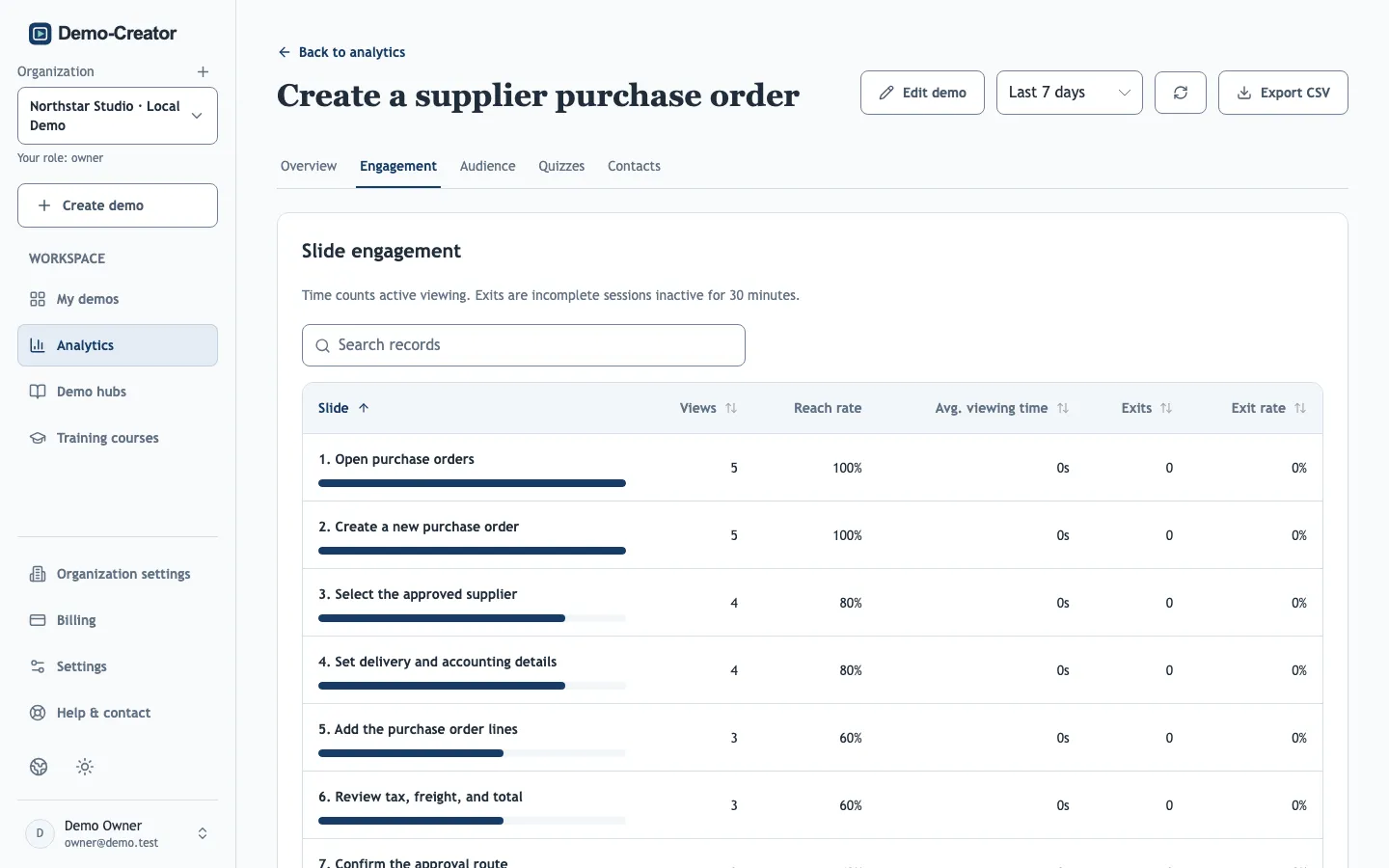
Open a single demo's Engagement tab. Reach rate shows how many sessions reached each slide and step, and Exit rate where they left. A sharp drop after one step usually points to an unclear instruction, a hotspot in the wrong place or a step that waits too long; fix it and compare the next period.
Audience
Countries, devices, traffic sources, browsers and browser languages. Traffic sources show the referring website's host name, so embeds appear under the site that hosts them.
Link performance
Clicks on end-screen buttons, the visit button and linked slide elements, with the share of sessions that clicked. Use it to compare calls to action.
Quizzes
Score distribution, per-question results and every response, including answers waiting for manual grading. A question many viewers get wrong often reveals a step that needs a clearer explanation.
Contacts
Names and email addresses from contact forms, with the demo and the form they came from. Export contacts downloads the filtered list. Owners, administrators and editors can view and export contact details. To send each new contact to another tool as it arrives, set up a lead webhook.
Recipient links
For each recipient link: when it was first and last opened, how many sessions opened it, and how far the person got. Progress counts distinct slides viewed in sessions still within the retention period below; Finished stays recorded after that. Owners, administrators and editors can see this tab.
What is measured, and what is not
- Viewer IDs are random. Apart from recipient links, analytics count sessions, not identified people, and do not prove that a specific person completed training; use training courses for that.
- Demo-Creator stores country codes, referrer host names and browser families, but no IP addresses, full referrer URLs or raw browser identifiers.
- Old events are removed after the retention period configured by your platform (90 days by default). Quiz answers and training records are kept.