The learner's view
Learners open the course link from an invitation email or wherever you shared it. They do not need a Demo-Creator workspace account and never join your organization.
Sign in to save progress
Learners sign in with Email me a sign-in link, or Continue with Google when it is enabled.
- Signed-in progress is saved to the learner's account, so they can continue on another device, and it appears in your results.
- Without signing in, progress stays in the current browser only and is invisible to organizers. Ask learners to sign in when the training is mandatory.
- Assigned learners must sign in with the email address the course was assigned to.
Lessons and quizzes
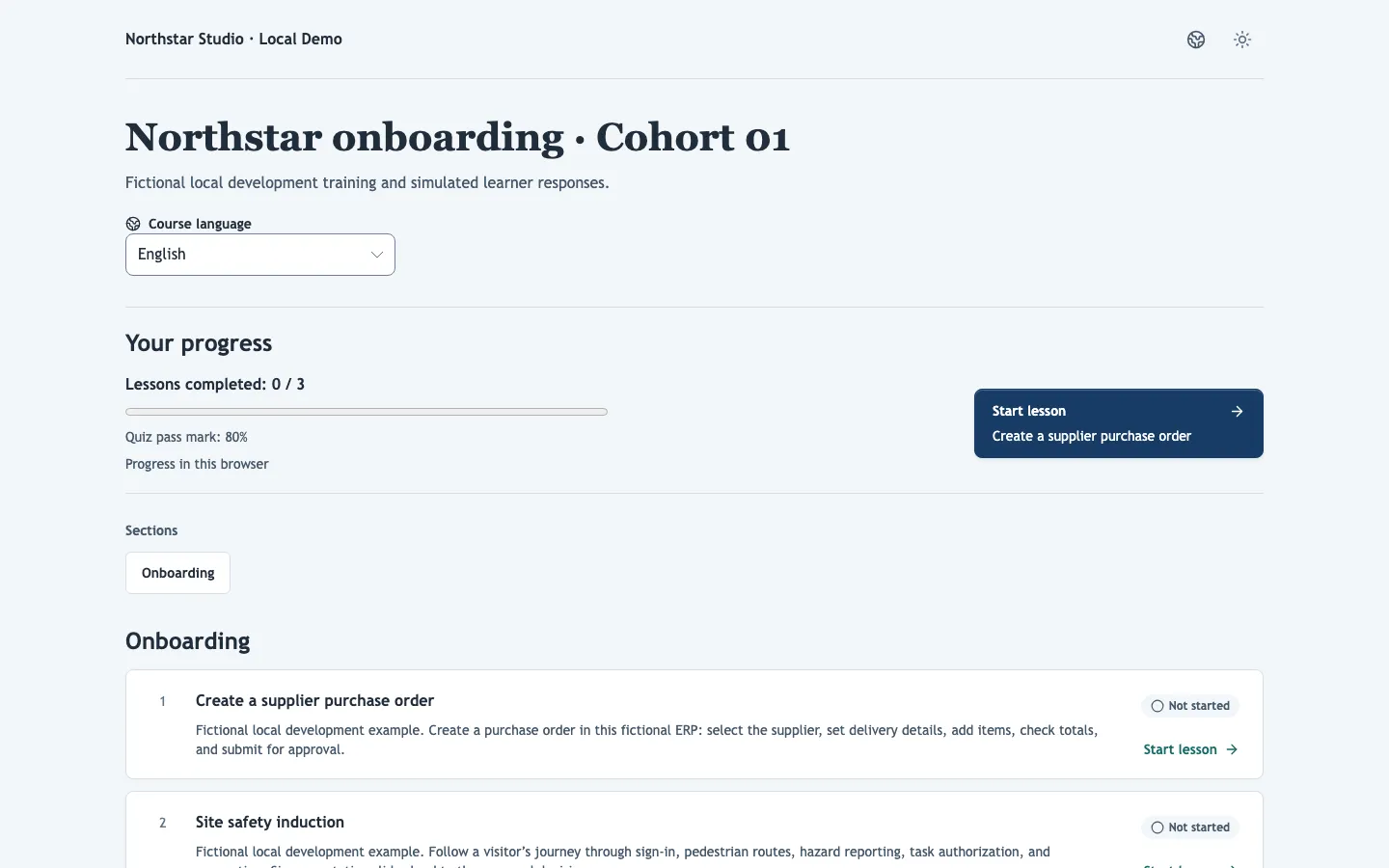
Lessons are not locked: learners can take them in any order, and after each lesson the course suggests the next one. When a quiz score is below the pass mark, the lesson offers Retry lesson; when answers need manual grading, the lesson shows Your answers are awaiting review until you grade them.
When the course has translations, learners choose a Course language, and lessons open in their interface language when the demo is translated.
Certificates
When every required lesson is complete, the course shows All lessons completed. Certificates you issue appear on the course page for signed-in learners to download; automatic certificates appear as soon as the learner qualifies. When a certificate is due for renewal, the course starts again for its holder, and progress saved in their browser from the earlier round is discarded.
Learner portal
When your organization has a learner portal, course pages link to it with All my courses. Learners find all their courses and certificates there with one sign-in.
Access
Courses can be protected like any link: password, allowed email addresses or domains, or an expiry date. Learners whose access came from a Google Group and who left that group see that their access was disabled and should contact the organization.