Organization branding
Owners and admins. Organization settings → Organization branding sets the default logo, colors, fonts and Default demo language for new demos, and how public pages are branded. The Brand preview shows the result as you edit.
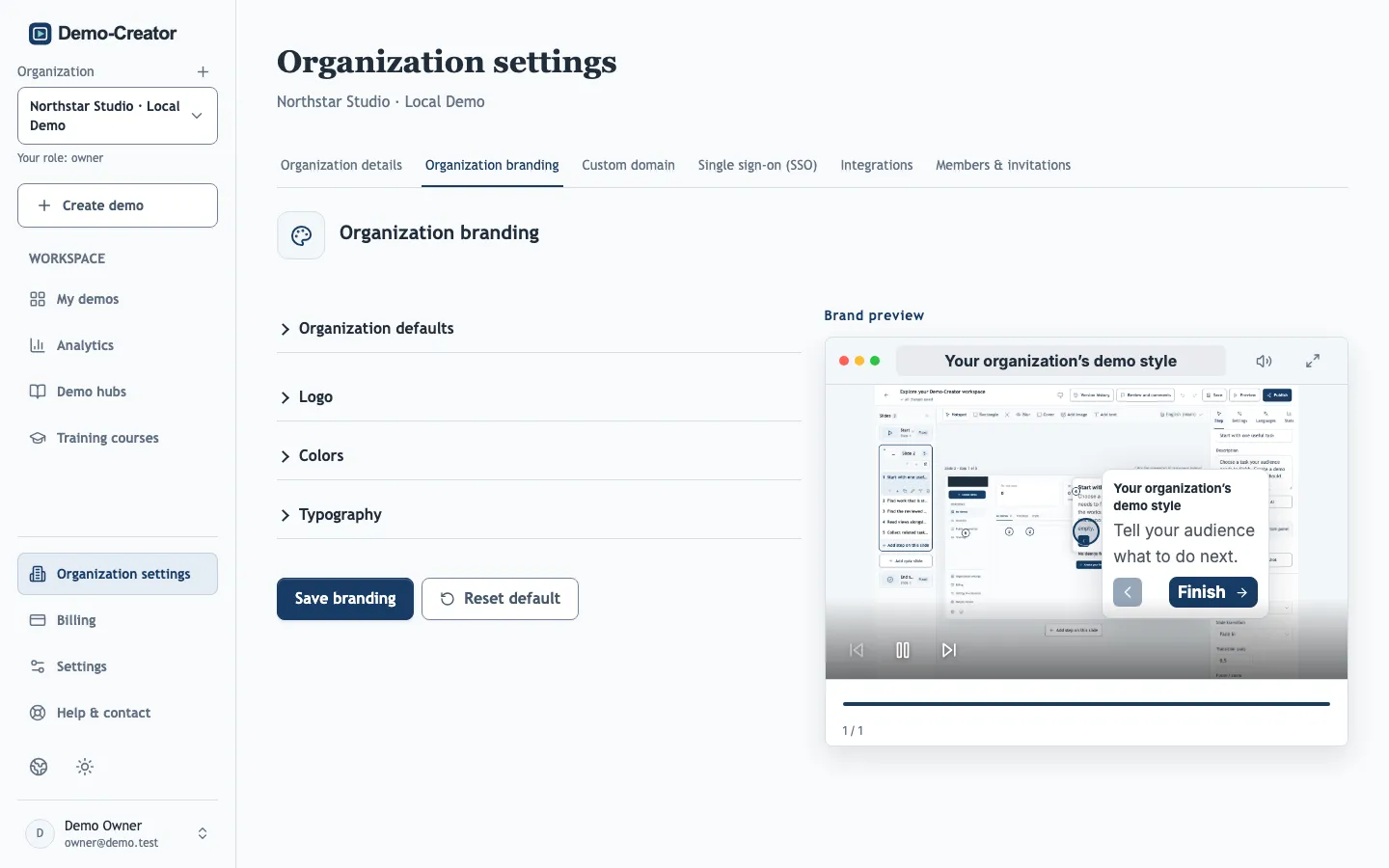
Choosing settings
- Logos can be PNG, JPEG or WebP, up to 2 MB. Transparency is kept, so a logo without a background blends in best.
- Check that the Information box text color stays readable on the Information box background color, and that the Hotspot color stands out against your product's screenshots. A hotspot in your brand color can disappear on an interface that uses the same color; White or a Custom color fixes that.
- The Organization name link makes the organization name on public demo hub pages a link to your website.
- Show promotional heading and footer can be turned off when your plan allows removing them.
How branding applies to demos
- New demos and recorder uploads copy the organization branding when they are created.
- Existing demos, duplicates and imported backups keep their own design. To update one, open it and choose Settings → Demo branding → Apply organization defaults, then republish.
- Applying defaults also sets the demo's main language to the organization's default language. Existing text is not translated.
- The promotional heading and footer setting changes existing public pages immediately.