Voice cloning: narrate demos in your own voice
Demo-Creator can now clone a voice from a short reading. Choose it as the narrator of any demo in your organization, and your guides sound like the person who knows the process, without a recording session for every step.
How it works
- Confirm consent: enter the speaker’s full name and confirm that they agree to the clone.
- Name the voice and choose the language the speaker reads in.
- Read aloud the text shown, about thirty seconds in a quiet room, or upload a recording of the same speaker in that language.
Then open “Settings → Voice settings” in the editor and choose the voice under “Your organization's voices”. New voiceovers in that language use it; existing clips keep the voice they were made with.
What changes for your demos
- Narration sounds like the person who explains the process, not like a stock voice.
- When a screen changes, edit the step’s text and generate its voiceover again. Nobody has to record it anew.
- Every demo in the organization can use the same voice, so a series sounds consistent. An organization keeps up to 10 cloned voices.
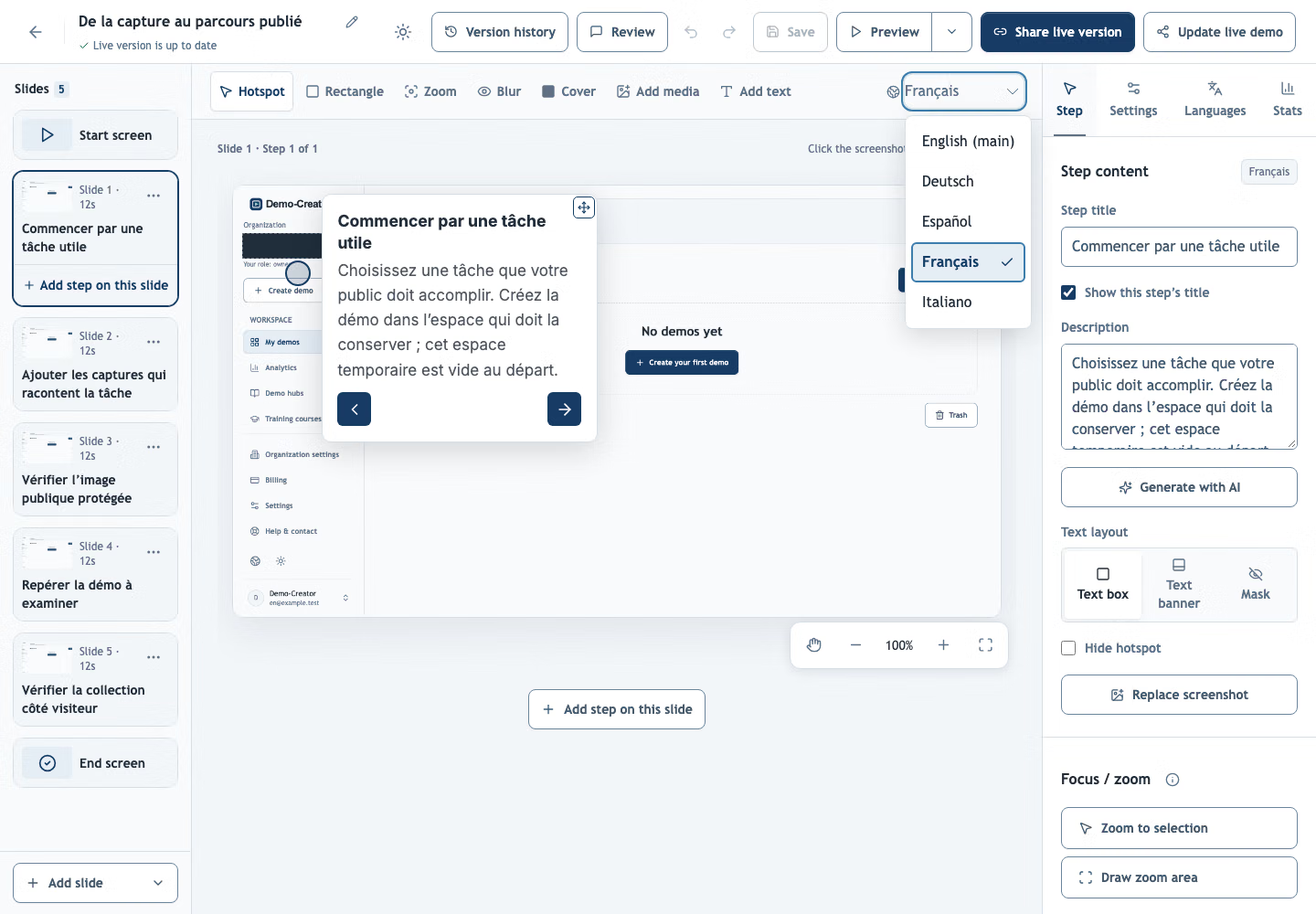
- You choose the voice for each language, so a cloned voice can narrate translations too.
Teach every voice your product’s names
A pronunciation dictionary, also new, tells every voice, cloned or not, how to say product names, abbreviations and jargon, for example SQL as “sequel”. It changes only what the voice hears: the text on screen and the subtitles keep the term as written.
What you need
Owners, admins and editors clone voices under “Organization settings → Voice”. Each clone uses part of your AI allowance, and a rejected recording costs nothing.
Questions
Whose voice can I clone?
Your own, or the voice of someone who has agreed to it. Before the recording, the speaker’s full name and consent are confirmed, and the organization keeps both with the voice.
Can a cloned voice narrate translations?
Yes. A demo has a voice setting for each language, and cloned voices are offered in all of them. A clone sounds most natural in the language it was recorded in and may keep the speaker’s accent in others, so preview one clip before generating a whole translation.
What happens when a cloned voice is deleted?
Voiceovers already generated with it keep playing. New voiceovers can no longer use it. The person who cloned it and the organization’s owners and admins can delete it.
What does voice cloning cost?
Each clone uses part of your AI allowance; a rejected recording costs nothing. Voiceovers in a cloned voice use the allowance like any other voice.