

Make local rules visible
Build a demo from site images you choose: entry points, equipment, restricted areas, and the next action to take.
Site rules explained once at induction are easily forgotten by the time work starts. Show access rules and task procedures in visual demos people can revisit, and check the decisions that matter.
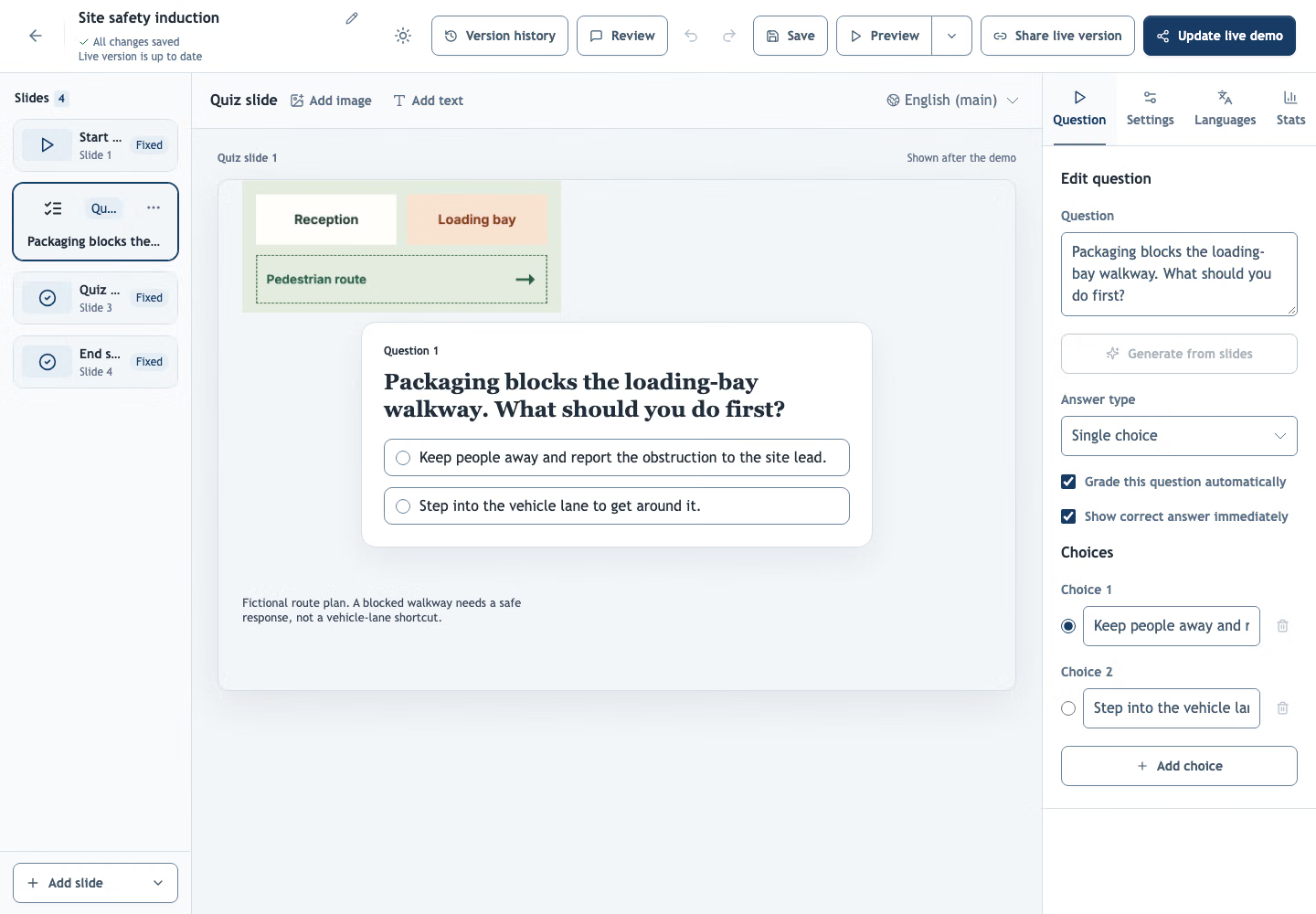 Illustrative plant safety question in the real Demo-Creator editor.
Try an illustrative warehouse lesson with a scored knowledge check.
Use your own site images and instructions to guide employees, contractors, and visitors through the steps relevant to them.
Build a demo from site images you choose: entry points, equipment, restricted areas, and the next action to take.
Place choice or written questions after the demo and optionally show a score at the end.
Review completion and quiz answers for each signed-in learner, and assign follow-up training with due dates and reminders.
Walk visitors and contractors through entrances, routes and restricted areas before they arrive on site.
Film your own machines and workstations with the camera recorder, and explain each step and the protection it requires.
Practice everyday decisions, such as unexpected payment requests or visitor access, then see which questions people get wrong.
When a rule changes, update the demo, assign follow-up training with a due date, and keep completion records for each person.
Assign inductions to employees and contractors, track completion and scores, and issue verifiable certificates.
No. A quiz checks the answers to the questions you set; it does not certify practical competence. Have qualified staff approve your procedures and assessments, and follow your site’s requirements.
Yes. A training course links progress, quiz results and feedback to each signed-in learner. Owners and admins can assign training, see who has not started and export filtered reports.
Yes. Share the course link. Learners sign in with their email, or Google when enabled, without joining your editing workspace.
Yes. Create certificates with learner details and your own fields, then download them or send them by email. Each certificate has a public link to check its validity. A certificate records completion; it does not certify practical competence.
Start with the procedure people must know before they enter the site.
Create your first demo