

Tailor it to the deal
Duplicate a demo, adapt the screenshots and steps to the prospect, and add an opening screen that says what they will see.
Buyers rarely decide alone, and a live demo is hard to repeat for everyone else. Leave them a focused demo they can replay and forward to the colleagues involved.
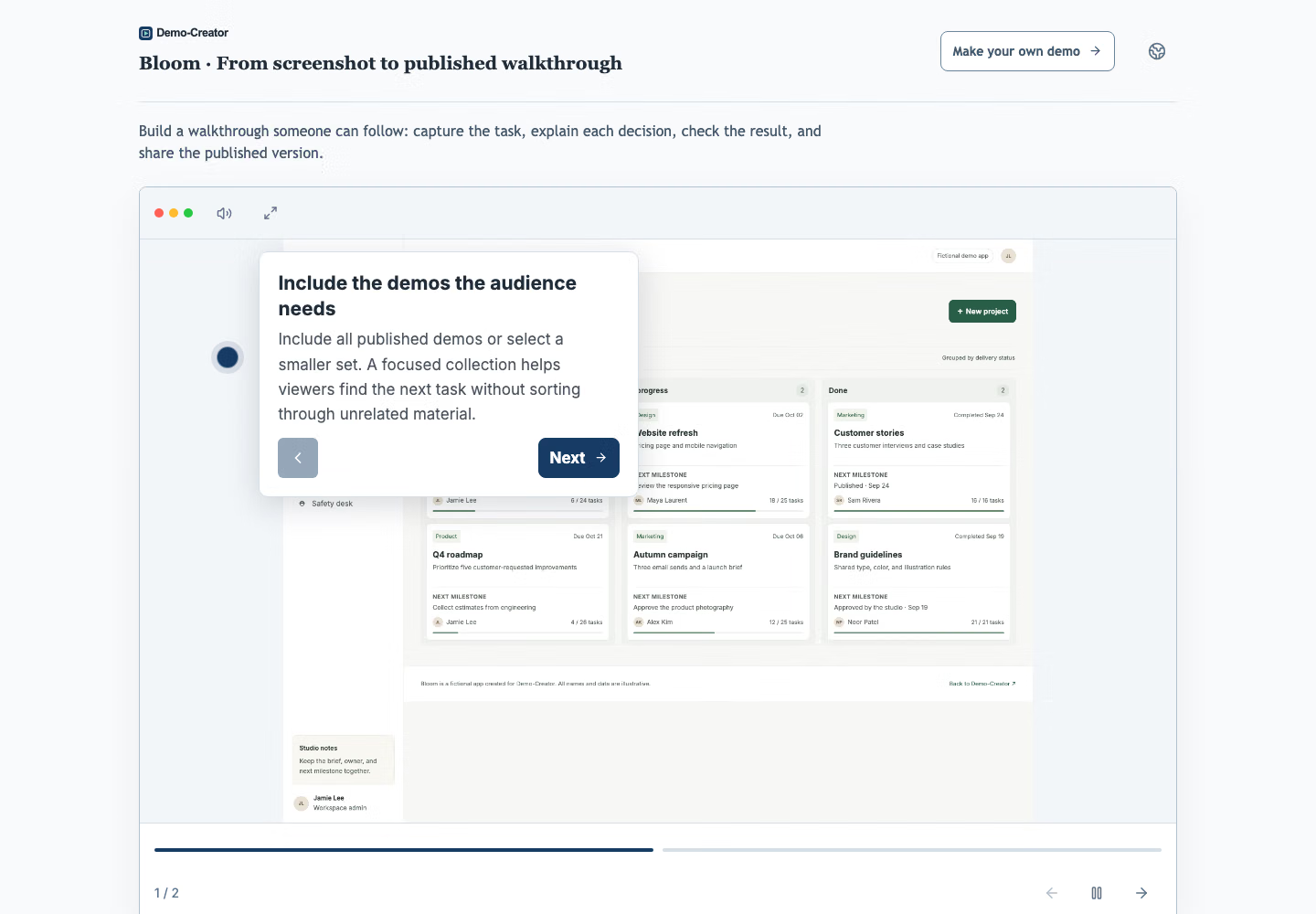
Follow the real steps for applying your logo and colors, writing an opening screen and linking the closing screen to your next step.
Duplicate a demo, adapt the screenshots and steps to the prospect, and add an opening screen that says what they will see.
Apply your logo, colors and fonts, and end with a call to action such as booking a meeting or starting a trial.
Create a link for each buyer and get an alert when they open it, by email or in Slack or Teams. Limit a link to their email domain, add a password or an expiry date, and review step engagement before your next call.
Give buyers the right part of the product at each stage, even when you are not in the room.
Send a short demo with the meeting invite, so buyers arrive knowing the basics and the call can focus on their questions.
Follow up with the workflow you showed, so your champion can replay it and walk colleagues through it.
Prepare a version for finance, IT or end users that shows only what matters to them, translated if they work in another language.
Share the setup steps as demos, so evaluators reach their first result without waiting for a call.
Yes. Restrict the link to specific email addresses or the customer’s company domain; viewers confirm their email through a one-time link. You can also add a password or an expiry date, or replace the link at any time.
Yes. Duplicate an existing demo, adapt the screenshots, instructions and branding for the prospect, and publish it as a separate link. The original stays unchanged.
Yes. Add a contact form to the opening or closing screen that asks for a name and email, and optionally require it before the demo starts. Contacts appear in Analytics and are emailed to organization owners and administrators.
Self-service plans are priced per organization, not per seat, so reps share one price up to the plan’s member limit, and larger teams move to Enterprise. Prospects never need an account to view a demo. See the pricing page for current allowances.
Start with the demo you give most often. Turn it into a link your champion can forward.
Create your first demo