

Import PDFs and PowerPoint
Reuse your decks, manuals, and product sheets. Each PDF page or PowerPoint slide becomes a demo slide, ready for hotspots and instructions.
PDF · PPTX
Start with PDFs, PowerPoint slides, phone photos, screenshots, or a browser recording.
Reuse your decks, manuals, and product sheets. Each PDF page or PowerPoint slide becomes a demo slide, ready for hotspots and instructions.
PDF · PPTX
Show real products, equipment or parts. Photograph or film each step with the camera recorder and explain it out loud, or upload existing photos.
Camera · Photo uploads
Upload screenshots you already have, or capture a tab, window, or screen. Crop the image and guide viewers to the right detail.
PNG · JPG · WebP
Use the built-in website recorder or the browser recorder for Chrome or Firefox to capture your workflow. Refine the screenshots, hotspots, and instructions in the editor.
Website recorder · Browser recorder
Mix documents, photos, and captured screens in the same demo.
Combine imported slides, photos, and captures. Arrange them in order, with a clear opening and closing.
Add numbered hotspots and instructions. Use zoom, transitions, and optional narration to explain each step.
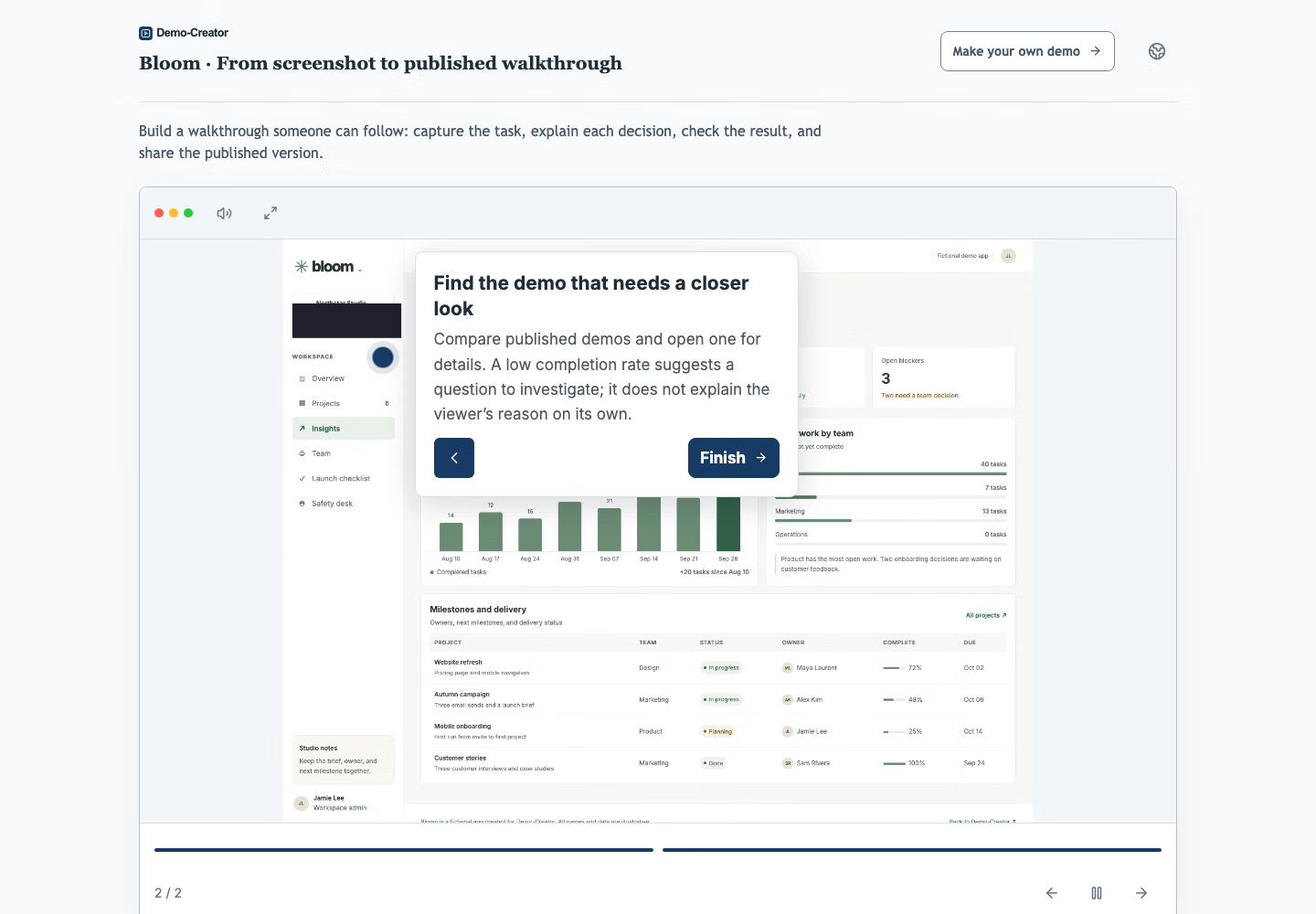
Publish a link, embed the demo, or export a PDF, PowerPoint or video. See which steps viewers explore.
Try a fictional ERP purchase order with guided steps and hotspots.
Add choice or written questions after a demo. Review answers and scores to find decisions that need another explanation.
The screenshots, slides and photos you choose, with hotspots, instructions and optional narration or quizzes. Clicks follow your demo, so nothing touches your live application or real data.
Yes. Every published demo has a browser link. Unrestricted demos need no workspace account or extension; password and email restrictions apply when configured. You can also export the published version as a PDF, PowerPoint or video.