

Translate step text
Create translations across 57 supported languages and review or edit each version before publishing.
Translate demos with AI, review every language before you publish, and give each version its own voiceover.
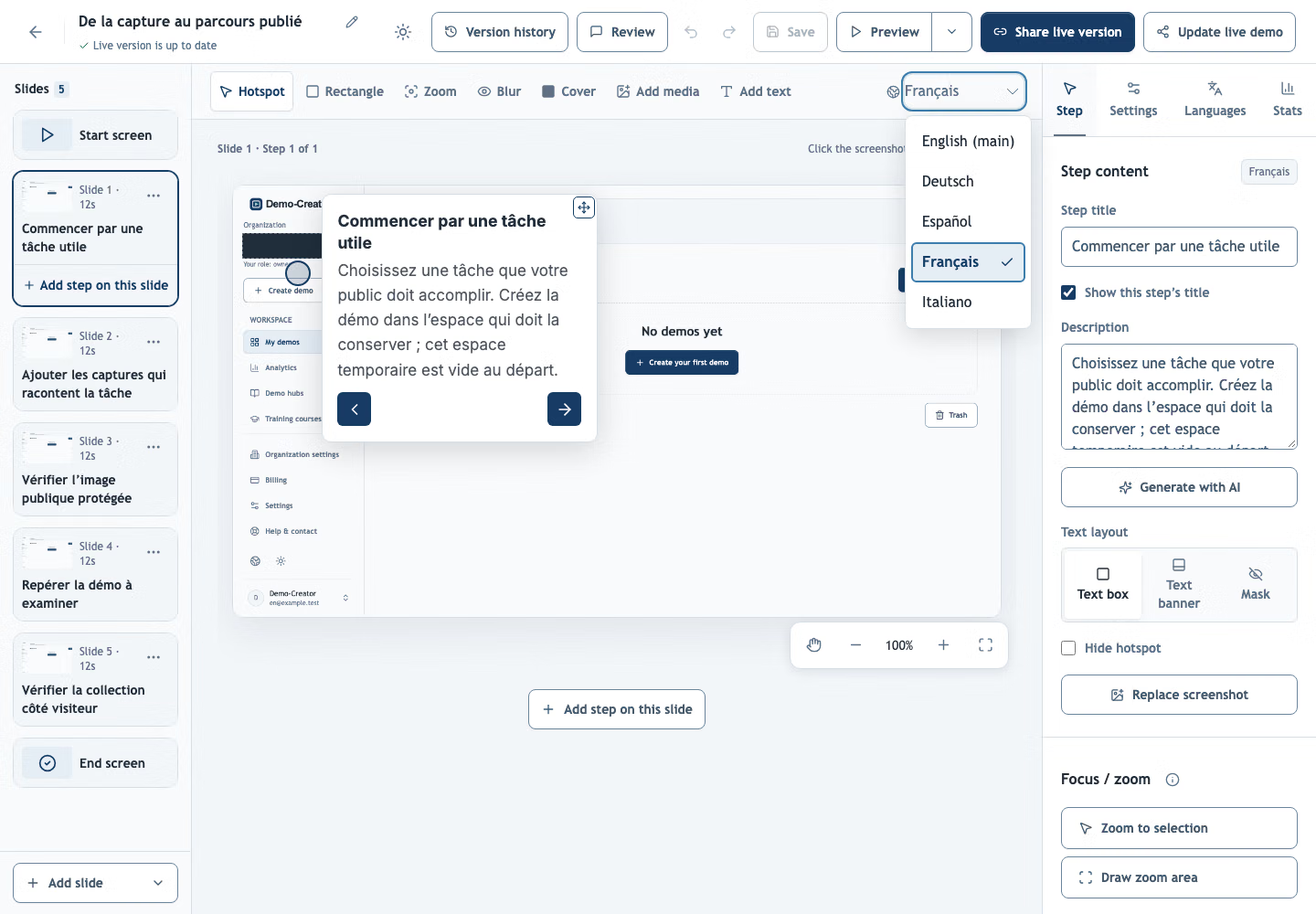
Watch a demo of the real language editor: language selection, translation review and narration setup.
Choose a main language, add target languages, and tailor the text and narration for each version.
Create translations across 57 supported languages and review or edit each version before publishing.
Generate narration, adjust the script and voice, and preview the audio in the editor.
Translation status indicators show which versions need review after you edit the original text.
Yes. Generate selected translations and review each language in the editor before publishing. If translation on publish is enabled, missing or outdated translations are generated during publication. Text inside screenshots stays as captured.
Yes. New translations and narration use your organization’s available AI allowance. Editing text or choosing a voice does not generate content. Reusing saved narration uses no additional allowance.
Translate your most-used demo first and share it with the next team or market.
Create your first demo