

Embed it where visitors decide
Place the demo on your website, landing pages or help center with an iframe or script embed. Republishing updates every embed.
Feature pages and launch posts describe your product, but visitors still have to imagine it. Let them click through it instead, at their own pace, right on your site.
Follow the real steps for publishing a demo, copying its embed code and updating it after a launch.
Place the demo on your website, landing pages or help center with an iframe or script embed. Republishing updates every embed.
Open with a clear goal, guide each click with hotspots and transitions, and finish with a call to action to sign up or book a demo.
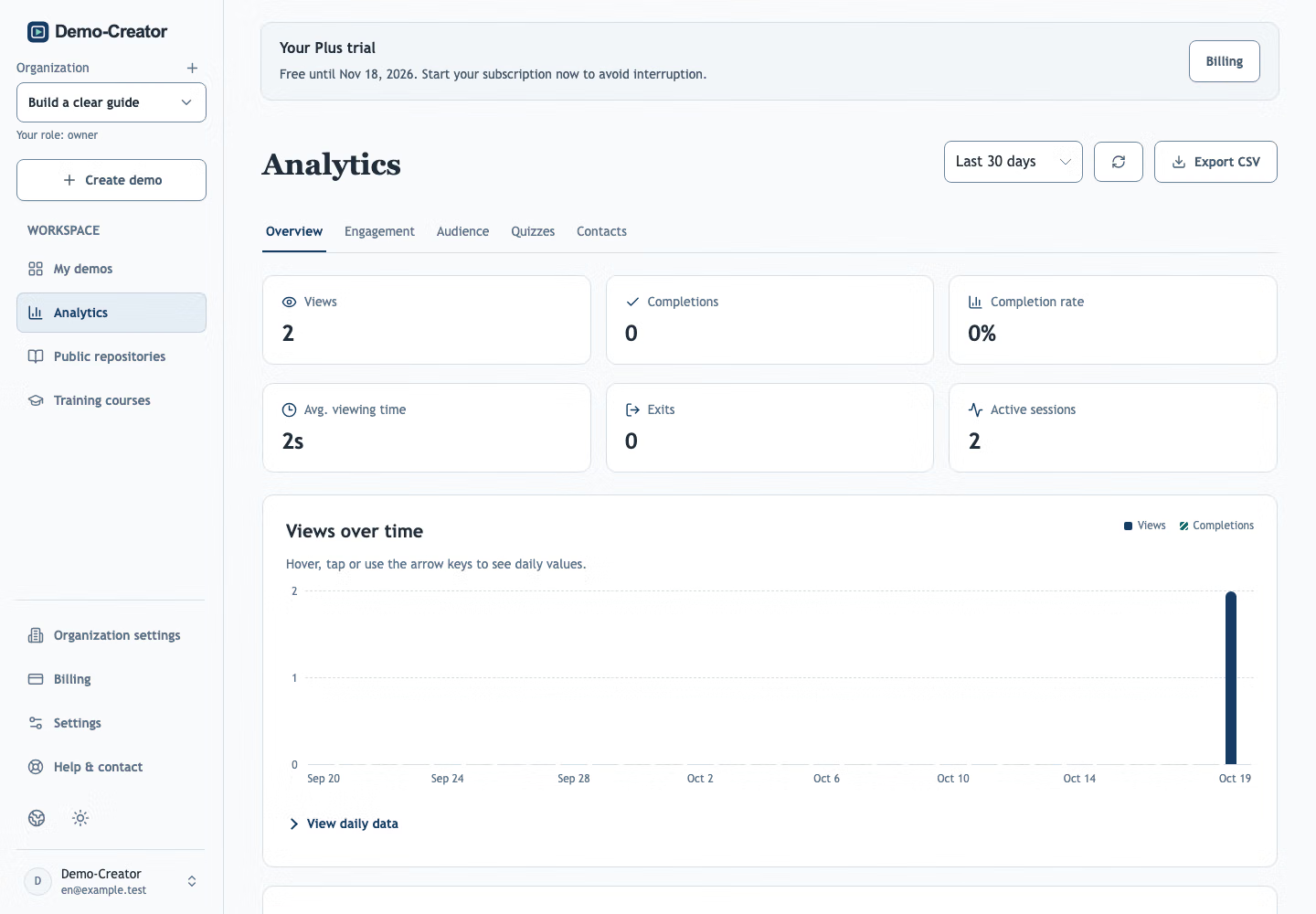
See where viewers start, drop off and finish, how many click your call to action, and post each new contact to Slack or Teams.
Embed a demo next to the claim it supports, so visitors see the feature work instead of reading about it.
Publish a walkthrough of the new feature with the announcement. If the interface changes, republish and every embed updates.
Link to a short demo from emails, ads or social posts, and end it with a call to action to sign up or book a meeting.
Translate the demo and add narration for each market. Viewers switch language in the player.
Yes. Publish the demo, open Share & export and copy its iframe or script snippet into your page. Republishing updates the same embed without changing the code. Your demo’s access restrictions also apply to embeds.
Yes. Add buttons to the closing screen that link to a signup, booking or pricing page. Clicks are counted in the demo’s analytics.
Yes. Add a contact form to the opening or closing screen. Contacts appear in the demo’s Analytics and are emailed to organization owners and administrators.
No. Copy the iframe or script snippet from Share & export and paste it wherever your website builder or CMS accepts embed code.
Pick the feature visitors ask about most. Give them a demo they can explore on your site.
Create your first demo