

Guide the first steps
Turn common setup and onboarding tasks into short interactive demos customers can follow at their own pace.
When the same how-to question keeps coming back, every answer costs your team time. Give customers a clear demo they can open whenever the task comes up.
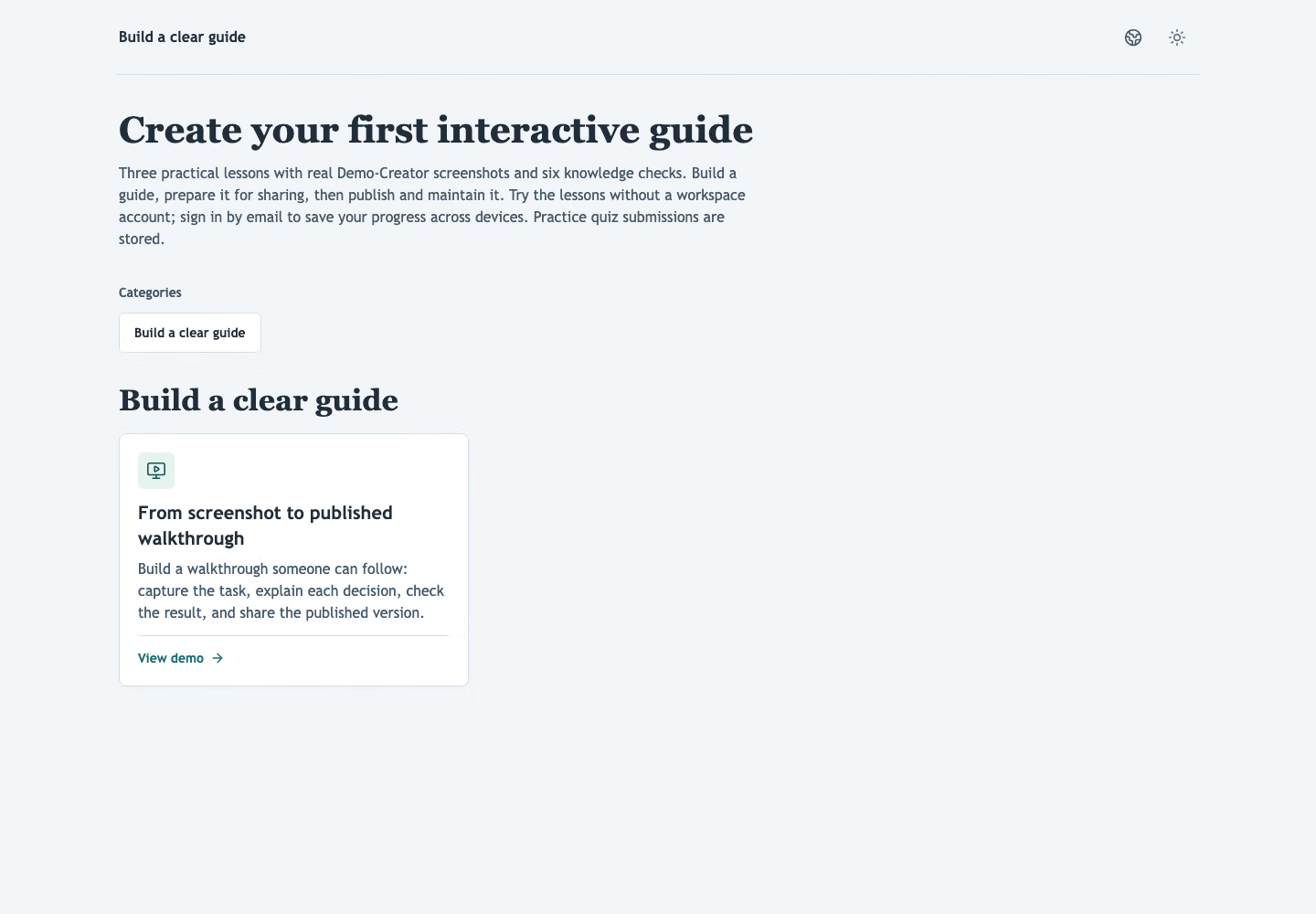
Follow the real steps for collecting published demos behind one link, grouping them by task and checking the demo hub as a visitor.
Turn common setup and onboarding tasks into short interactive demos customers can follow at their own pace.
Translate step text and add voiceovers when your customers need guidance in another language.
Use step and completion analytics to see which demos may need a clearer explanation.
Send new accounts the setup steps in order, so they reach their first result without booking a session.
Embed a demo in the article that answers the question, next to the written steps.
Answer a how-to ticket with a link to the right demo instead of writing the steps again.
When a feature ships, show existing customers how it fits their workflow and see how many viewers finish.
Yes. Customers can reopen the same link and restart the demo as often as they need while it remains published and their access is valid. Unrestricted demos need no workspace account.
No. Your changes stay in a private draft until you publish again. Then the same link shows the update.
Yes. A demo hub collects published demos behind one link, grouped into categories in the order you choose. You can protect it with a password, allowed email addresses or an expiry date.
Yes. Apply your logo, colors and fonts. Plans that include branding removal can also hide the Demo-Creator header and footer.
Send the link instead of the explanation.
Create your first demo