

Show the work, step by step
Capture a workflow with screenshots, hotspots, and plain language guidance. New starters can replay it when the task comes up.
New hires learn by interrupting busy colleagues, and the same tasks get explained again with every hire. Put them in one training course with short knowledge checks, so everyone knows what to do next.
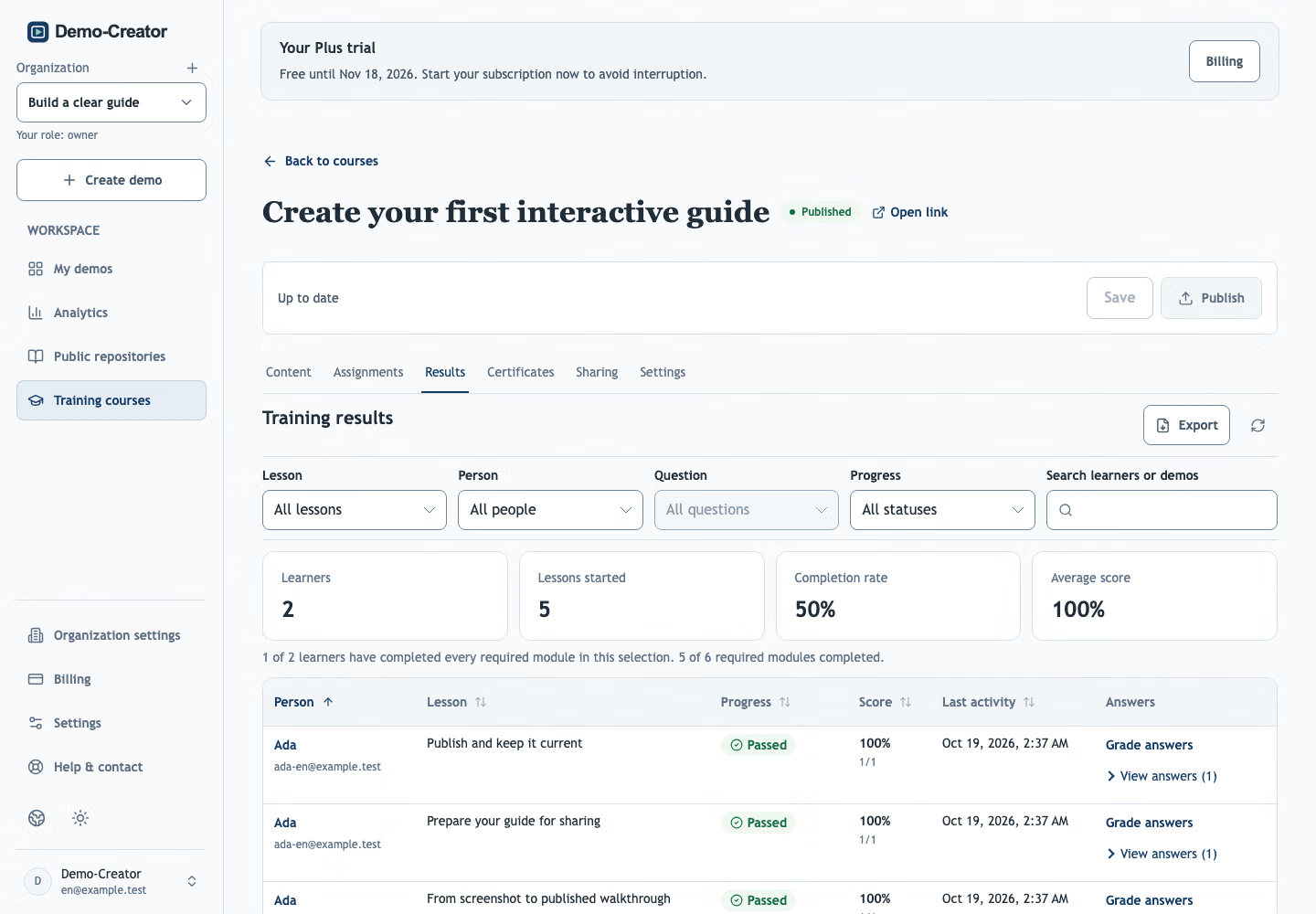 Illustrative training session in the real Demo-Creator interface.
Explore a fictional workplace-security lesson and its knowledge check.
Show real tasks in the order people need them, then make recorded completion visible.
Capture a workflow with screenshots, hotspots, and plain language guidance. New starters can replay it when the task comes up.
Group lessons behind one link, with a clear status for each demo. Assign new starters, set due dates, and send reminders.
Add quiz questions after key demos, then review each new starter’s completion and scores.
Give every new starter the same clear path, whoever is available to help that week.
Show how to find key tools, request access and complete everyday tasks, so new starters can help themselves from day one.
Build a short course for each team, with the procedures that role uses every day.
Follow each policy explanation with a few questions, and keep the scores with each learner’s progress.
Assign a course with a due date and reminders, then check who has finished before the first one-to-one.
Export completion reports and issue verifiable certificates once onboarding is complete.
Share the training link. New starters sign in with their email, or Google when enabled, without joining your editing workspace.
Yes. Owners and admins can review assigned learners, including those who have not started, alongside progress, quiz results and feedback. Filter Results and download a PDF report.
Update the demo and publish it again. The course link stays the same, and learners see the current version the next time they open it.
Yes. Translate the demos in a course and add narration for each language. Learners choose their language in the player.
Start with the first task every new hire needs. Build the course one demo at a time.
Create your first demo