

Create a supplier purchase order
Follow a purchase order from supplier selection to submission for approval.
Capture a real workflow, then share it as an interactive demo, illustrated manual or training.
Only verified suppliers appear in this list.
No need to rebuild your product as a demo.
Record your clicks with the browser recorder for Chrome or Firefox, film hands-on work with the camera recorder, or start from screenshots, PDFs or PowerPoint slides. Each action becomes an editable step.
Show where to click and explain why it matters. Cover sensitive details and add your branding before anyone sees it.
Share one link, embed it on your site, or export a PDF, PowerPoint or video. Then see which steps people complete.
Film the job on your phone and say what you’re doing as you go. Each step becomes a short written instruction.
Um, so, turn the, uh, the blue handle clockwise until it stops. And don’t, like, don’t force it.
Turn the blue handle clockwise until it stops. Don’t force it.
Your words, nothing invented
Follow a purchase order from supplier selection to submission for approval.
Follow six presentation slides, then answer three scored questions on walkways, task authorization, and evacuation.
Follow six presentation slides, then answer three scored questions on supplier requests, visitor access, and customer data.
Videos are quick to record but hard to keep up to date.
| What matters | Video | Interactive demo |
|---|---|---|
| Following along | Viewers pause and rewind | Viewers click through at their own pace |
| When the product changes | Record the whole video again | Update the steps that changed and keep the same link |
| Other languages | Record again or add subtitles for each language | Translate into 57 languages, with narration |
| Sensitive details | Blur them in every frame | Cover them once in the screenshot |
| Analytics | Views and watch time | See at which step viewers drop off |
| Formats | One video file | Share a link, embed it, or export PDF, PowerPoint or video |
Let visitors follow a real task, one click at a time. Add hotspots and instructions to your screenshots without giving viewers access to your live app.
Give your team more than instructions. Let them practice real decisions, check their understanding and move forward with confidence.
Turn your everyday workflows into demos people can replay.
Add a short quiz at the moment a decision matters.
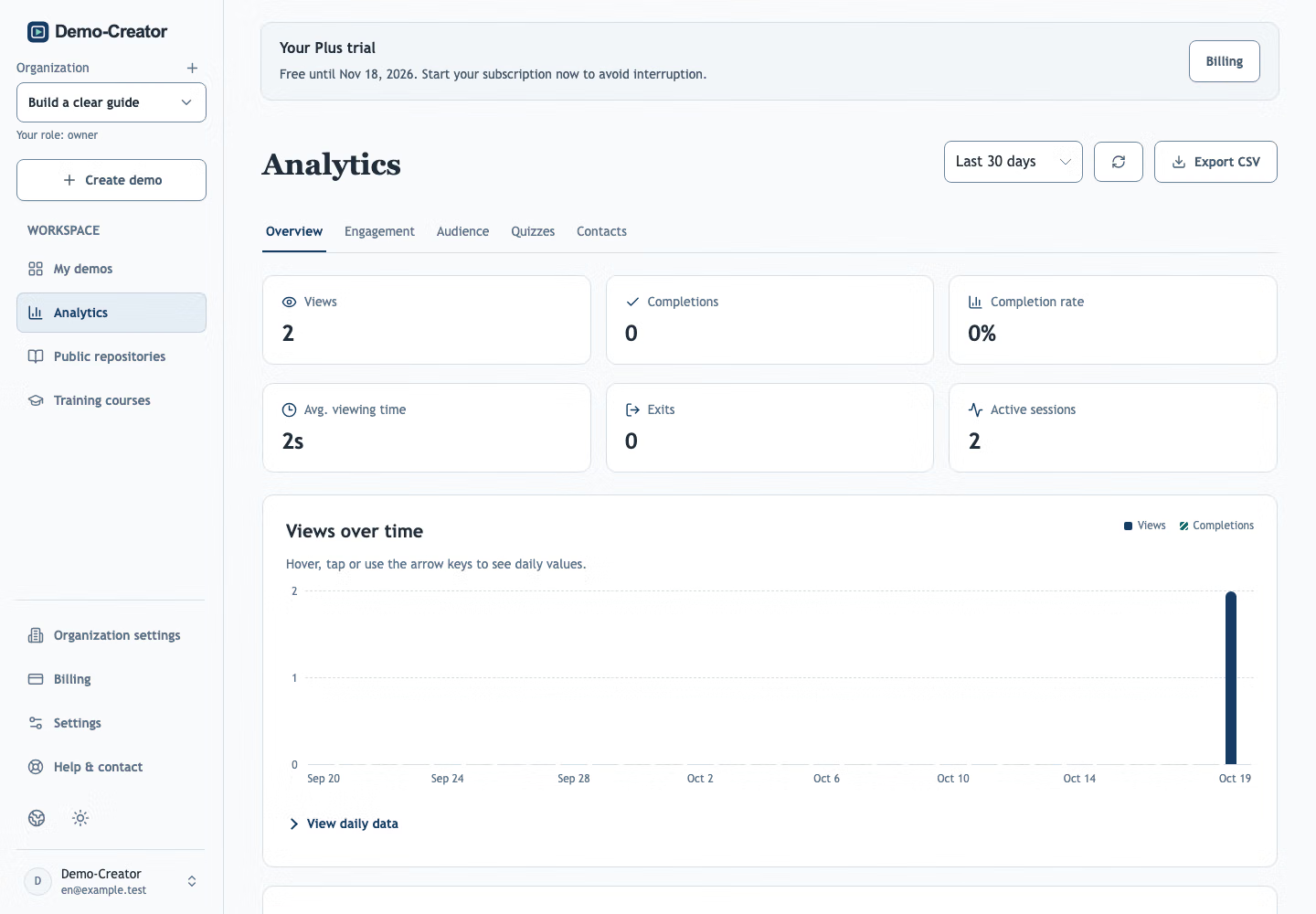
Follow completion and quiz scores across your training.
The invoice looks familiar. The email asks you to change the account before today’s payment.
Check the change with a supplier contact you already trust, then follow your finance approval process.
Choose an answer to see the feedback.
See completion and quiz results for each learner in your training, and find where a follow-up would help.
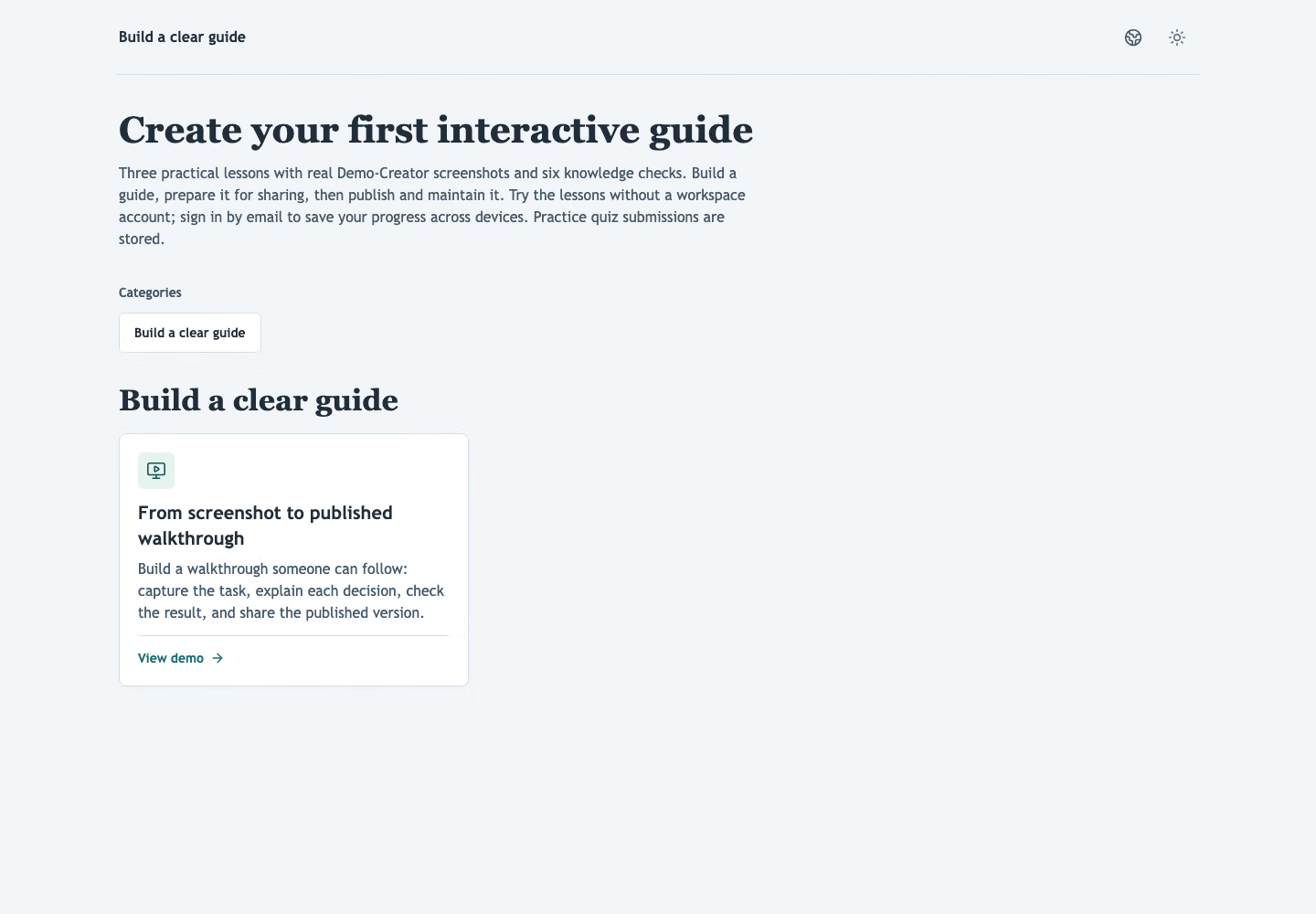
Try the full course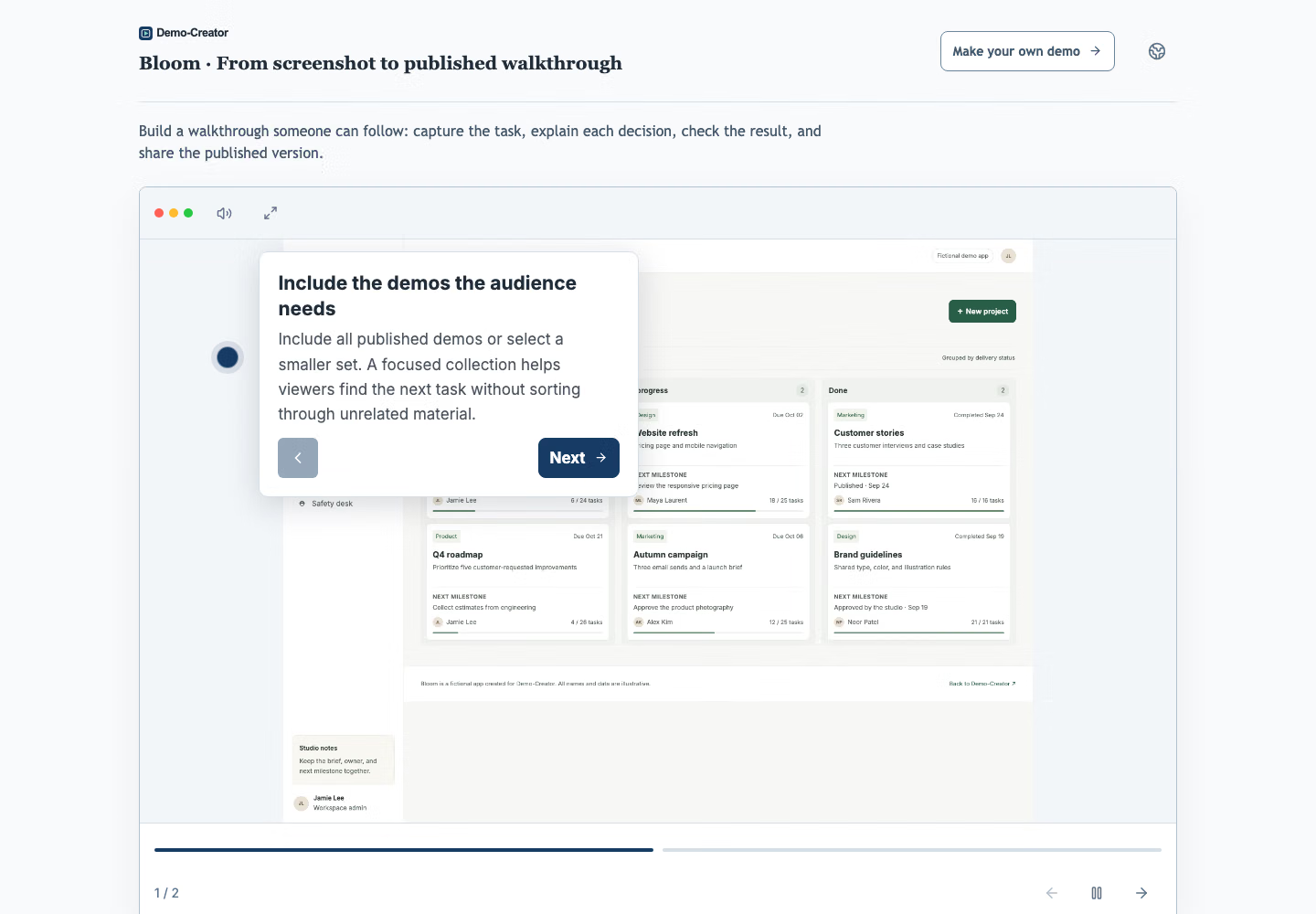
Leave buyers with a focused demo they can revisit and share with colleagues, and see when each person opens it.
Embed interactive demos on your website and launch pages, then see which ones visitors finish.
Turn recurring setup and support questions into demos customers can replay when the task comes up.
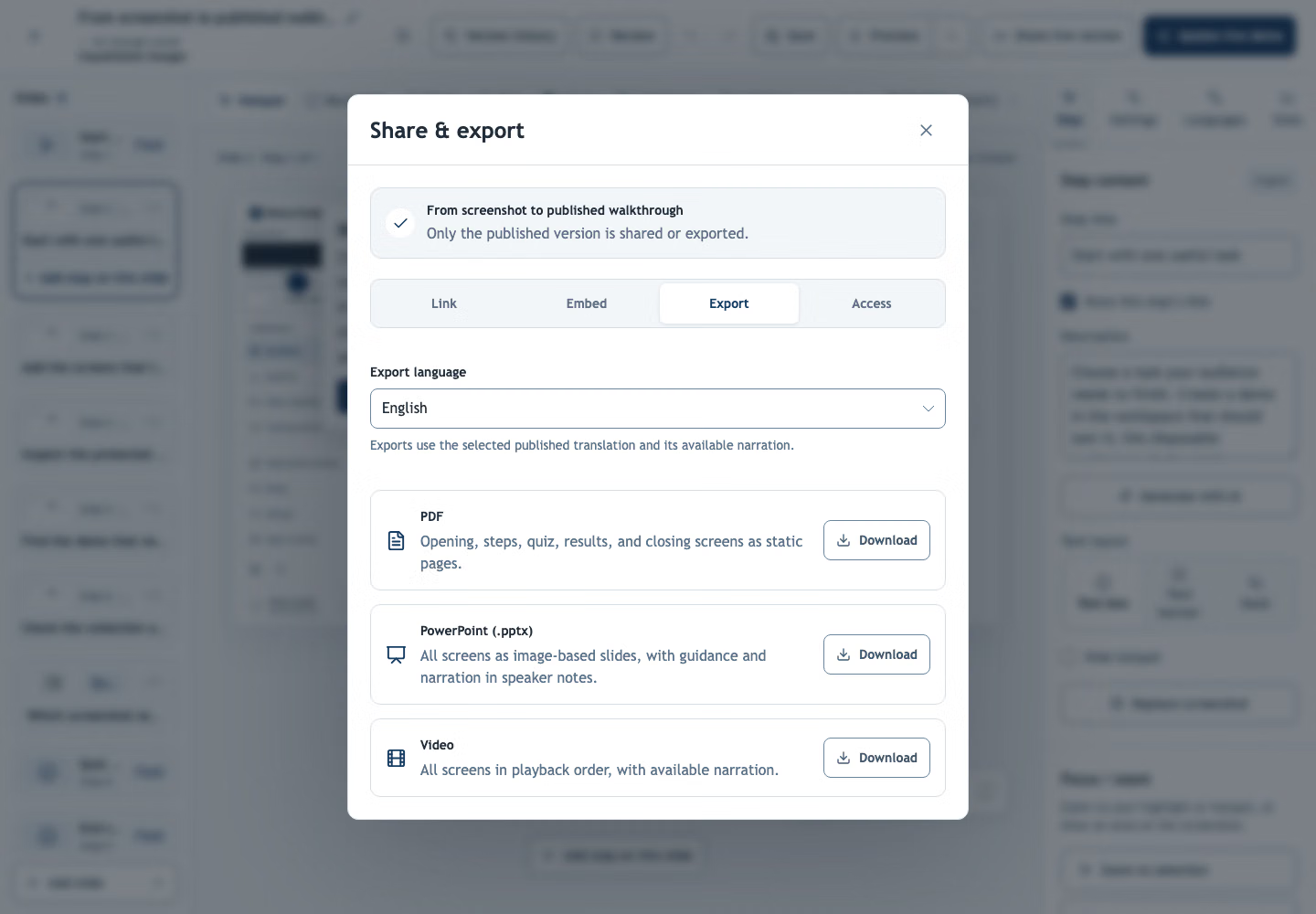
Use the same captured steps for an interactive demo and an illustrated PDF manual. Export a video when people need to watch the sequence.
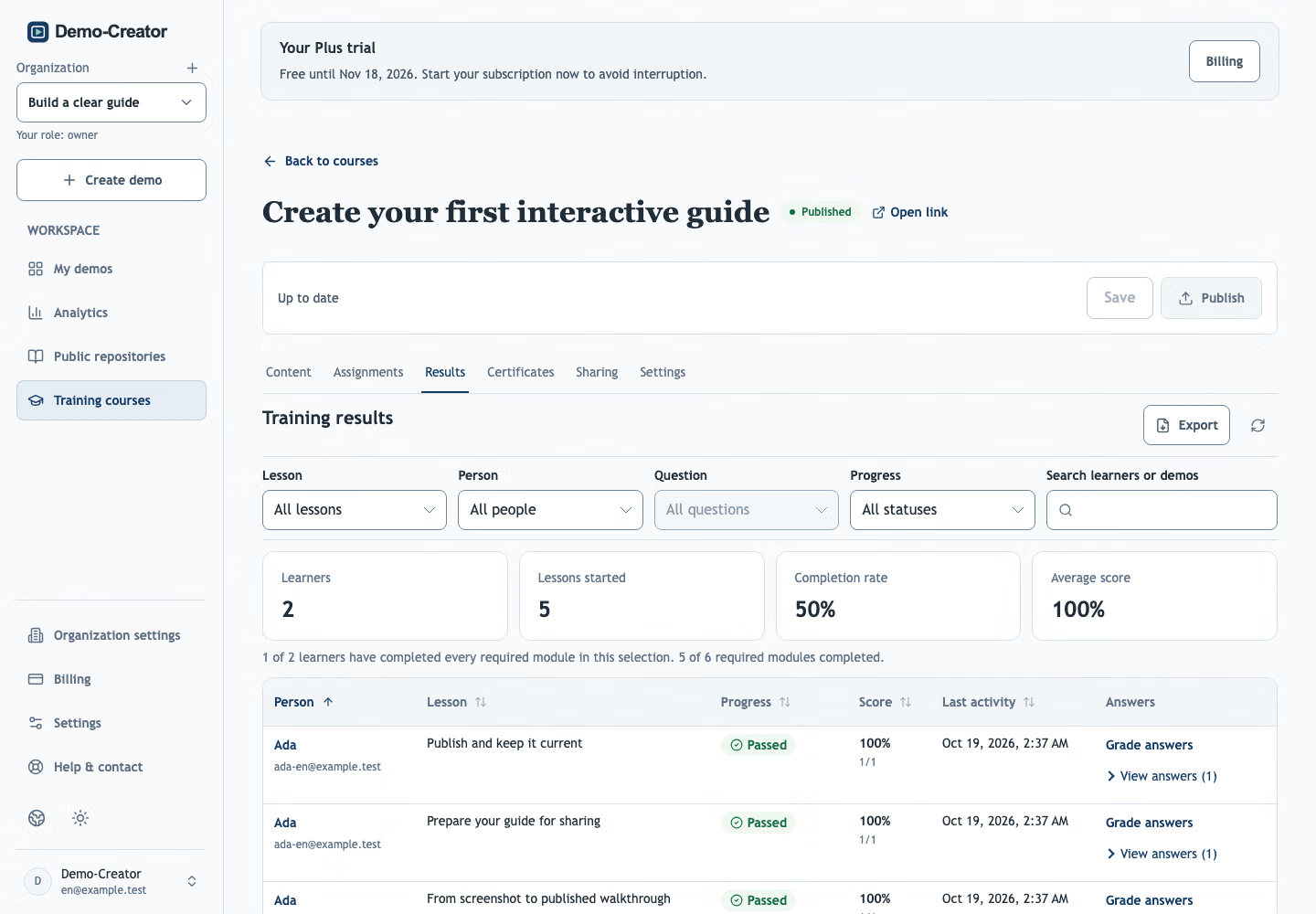
Give new starters a training course for everyday tasks, with knowledge checks and progress they can return to.
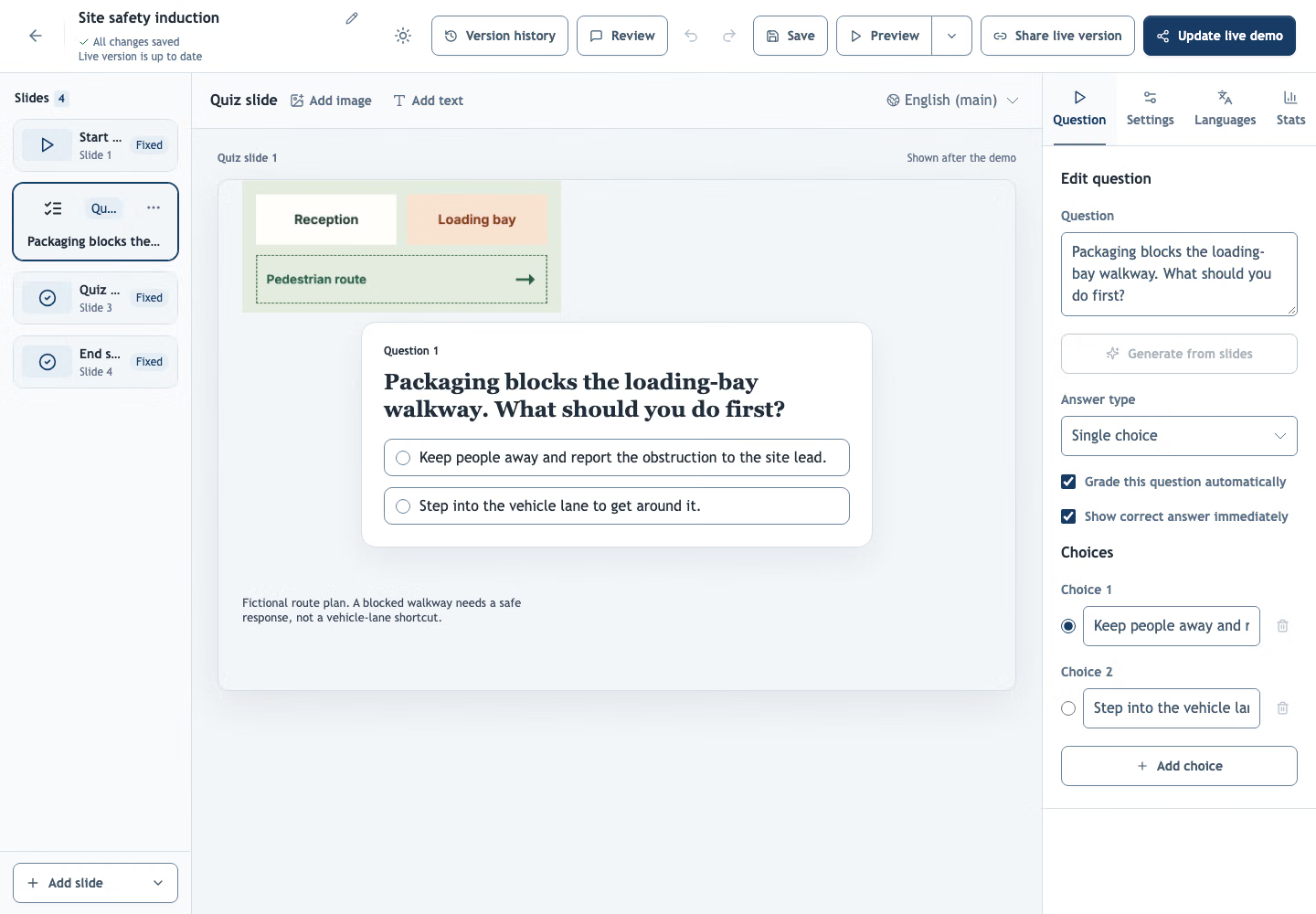
Make site-specific procedures visible, check critical decisions, and use recorded results to plan follow-up training.
Create a demo in your workspace. Add screenshots or photos, import a PDF or PowerPoint (.pptx), or record a workflow with the website recorder or the optional browser recorder for Chrome or Firefox. Add instructions and hotspots, cover sensitive details, then preview and publish to get a link.
Self-service plans are priced per organization, not per seat, so your team shares one monthly price up to the plan’s member limit; larger teams move to Enterprise. People who view your demos never need an account. See current prices, member limits and allowances on the pricing page.
Yes. Translate demo text, including titles, instructions, opening and closing screens, and quizzes, into 57 languages. Review each translation and generate narration for the languages you need. New AI generation uses your available allowance; text inside screenshots stays as captured.
Unrestricted published demos open in the browser without a workspace account or extension. You can add a password, an expiry date, or allowed email addresses and domains. Viewers restricted by email verify their address through a one-time link.
Yes. Cover confidential details with a solid mask before publishing. Covers are baked into the published screenshots; originals stay in your private draft. Review all screenshots and written instructions, then republish to update an existing shared demo.
Update the affected steps in your private draft, preview and republish. The same link and embeds show the new published version. Download fresh exports if you also share files; existing downloads do not update.
No. You edit and view demos in the browser. The browser recorder for Chrome or Firefox is optional and only needed by the person recording. The camera recorder runs in your phone’s browser.
Yes. Publish an interactive demo and export the same content as a PDF, PowerPoint deck or narrated video in the main language or a published translation. PDF and PowerPoint contain static slides; use the demo link for clickable steps and quiz scoring.
Capture it, share the link, and let the demo answer it next time.
Create your first demo